Station explainers
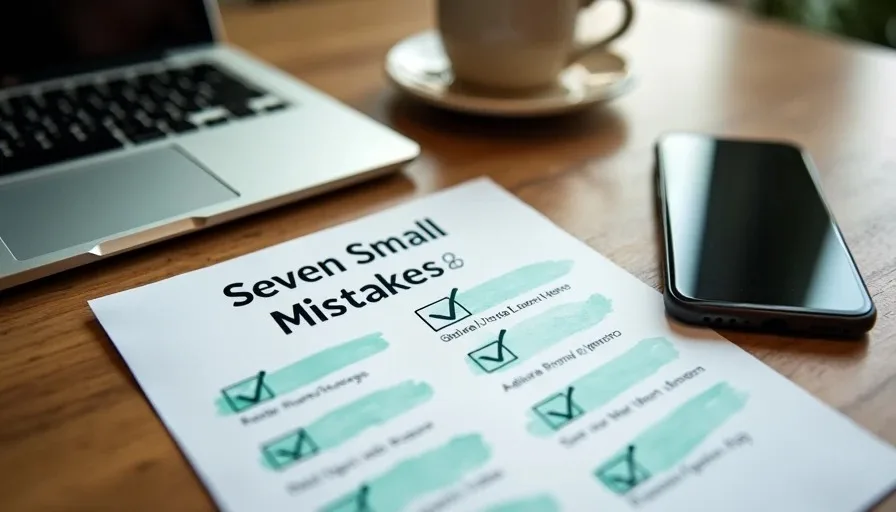
Seven Small Security Mistakes I See in Otherwise Careful Households
Even careful families often leave a few small, repeated openings: reused passwords on low-value accounts, outdated recovery information, shared logins that never get revoked, unexamined app permissions, and delayed software updates. Closing these seven common gaps strengthens the baseline without new tools or constant effort.
Oct 25, 2026 0 reads
Why Everyday Digital Exists: Safer Technology Without the Panic
Everyday Digital exists to help ordinary families make safer technology choices without fear, jargon, or pressure to buy more gadgets. Practical steps first. Calm guidance that actually gets used.
Oct 24, 2026 0 reads
The Household Digital Safety Baseline: What to Set Up First
A practical household digital safety baseline prioritizes password managers, multi-factor authentication, automatic updates, basic router hardening, and simple backups. These five steps close the most common risks without requiring advanced tools or constant attention.
Oct 23, 2026 0 reads
The Privacy Settings I Check on Every New Family Phone
When a new phone arrives, I review location access, app tracking, camera and microphone permissions, and system services first. These five areas stop the most common quiet data sharing before apps and family members settle into daily use.
Oct 22, 2026 1 reads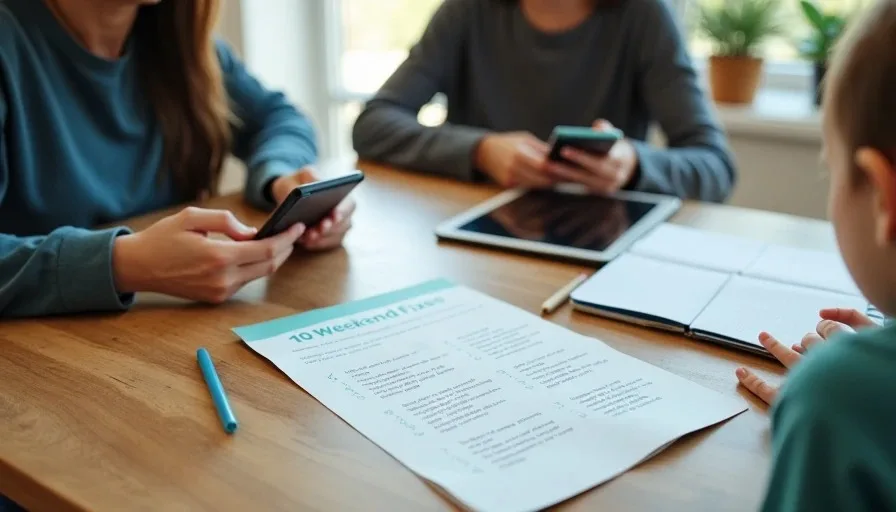
The Family Digital Safety Baseline: 10 Fixes to Make This Weekend
Ten practical family digital safety fixes you can finish in one weekend: child accounts, Screen Time or Family Link, app approval, shared-device profiles, messaging limits, location rules, content filters, charging stations, household agreements, and a simple recovery plan.
Oct 21, 2026 0 reads
Five Router Settings Worth Checking Tonight
Five high-impact router settings most families can change in under an hour: admin password, Wi-Fi encryption, firmware updates, guest network, and disabling WPS plus remote access. These close the most common home-network risks without new hardware.
Oct 20, 2026 0 reads
The First-Hour Plan After a Phishing Link Is Clicked
If someone in the household clicks a phishing link, the first hour matters most. Disconnect, change key passwords from a clean device, enable or confirm multi-factor authentication, check recent account activity, and freeze or monitor financial accounts if needed. Calm, ordered steps reduce damage.
Oct 19, 2026 0 reads
How to Secure a Teenager’s First Smartphone Without Overreaching
A teenager’s first smartphone needs clear boundaries, not constant surveillance. Set up a supervised account, require app approval, limit contacts and location sharing, agree on household rules together, and keep communication open so safety feels supportive rather than controlling.
Oct 18, 2026 0 reads