Digital Life Maintenance
Explainers on this line
4 pieces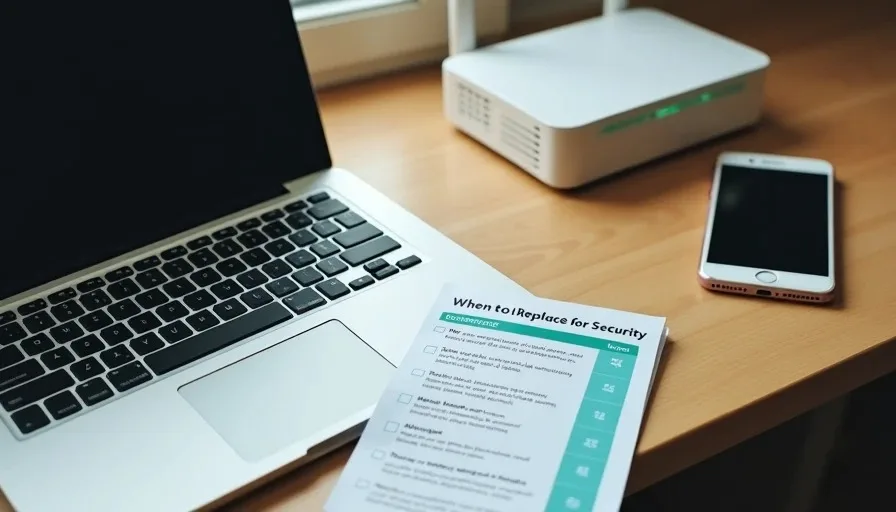
When to Replace a Laptop, Phone, Router, or Modem for Security Reasons
Devices become security risks when they stop receiving updates, can no longer run current protections, or sit at the edge of a network with known unpatched flaws. Age alone is not the trigger; the end of security support and the inability to maintain basic hygiene are. A clear replacement threshold keeps the household baseline intact without unnecessary spending.
Oct 26, 2026 0 reads
Why Everyday Digital Exists: Safer Technology Without the Panic
Everyday Digital exists to help ordinary families make safer technology choices without fear, jargon, or pressure to buy more gadgets. Practical steps first. Calm guidance that actually gets used.
Oct 24, 2026 0 reads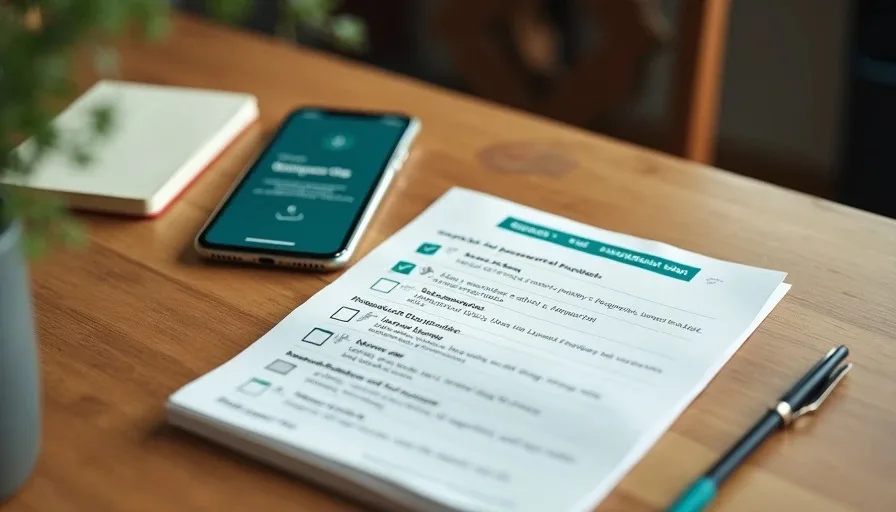
The Household Digital Safety Baseline: What to Set Up First
A practical household digital safety baseline prioritizes password managers, multi-factor authentication, automatic updates, basic router hardening, and simple backups. These five steps close the most common risks without requiring advanced tools or constant attention.
Oct 23, 2026 0 reads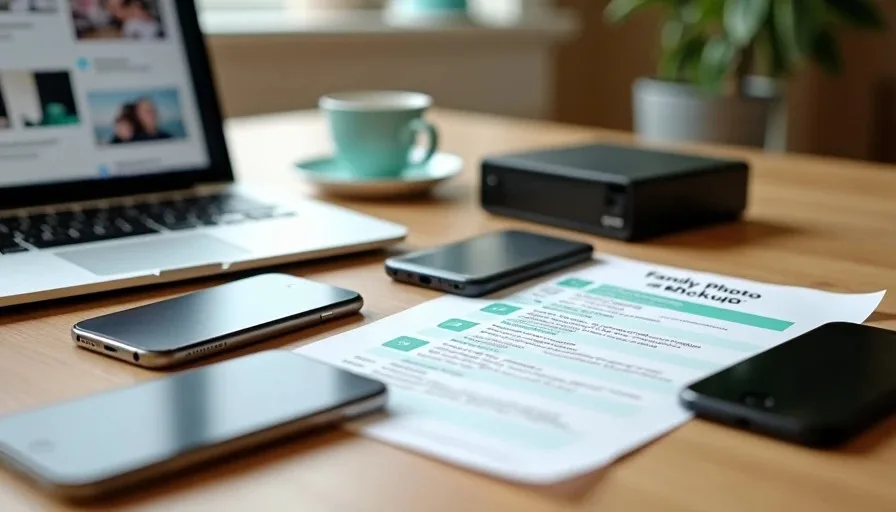
A Backup Plan for Families Who Keep Losing Photos
Most families lose photos because backups are incomplete, untested, or scattered across too many places. A practical plan uses automatic phone backups, one external drive, and a simple yearly test so the pictures that matter actually survive device failures, theft, or accidental deletion.
Oct 17, 2026 0 reads