When to Replace a Laptop, Phone, Router, or Modem for Security Reasons
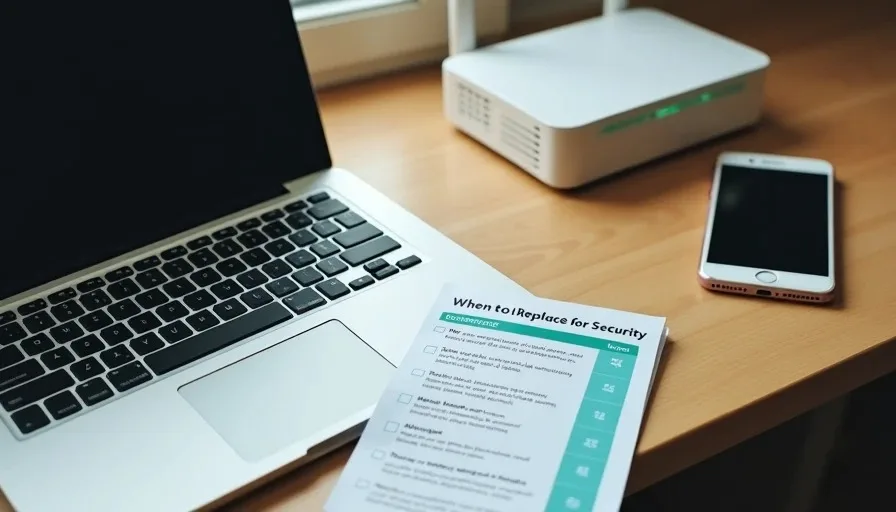
Most household devices are replaced because they feel slow, the battery no longer lasts, or a newer model is attractive. Security is rarely the stated reason, yet it is often the most important one. A laptop, phone, router, or modem that no longer receives security updates becomes a permanent weak point. Malware and network attacks target known, unpatched flaws. When the manufacturer has stopped issuing fixes, those flaws remain open indefinitely.
The decision to replace for security reasons does not require panic or a fixed calendar age. It requires three practical questions: Does the device still receive security updates? Can it still run the basic protections the household relies on? Is it positioned where a compromise would affect other devices? When the answers turn negative, replacement becomes the cleaner and usually cheaper long-term choice.
Laptops and Desktop Computers
The critical date is the end of security support for the operating system, not the day the hardware feels outdated.
Windows devices are the most common example. When Microsoft ends support for a version of Windows, that computer stops receiving patches for newly discovered vulnerabilities. Continuing to use it for email, banking, or any account that matters creates ongoing risk. Upgrading the operating system is sometimes possible; when the hardware cannot run a supported version, replacement is the practical path.
macOS follows a similar pattern. Apple supports recent versions with security updates for a finite period. An older Mac that can no longer install a current, supported macOS release eventually falls behind.
Signs that security replacement is due:
The operating system is no longer receiving security updates and cannot be upgraded.
Current browsers and security tools refuse to install or run properly.
The machine is used for email, banking, school portals, or work accounts.
Firmware or BIOS updates have also stopped.
A computer used only for offline media playback or light tasks with no accounts presents lower urgency. A computer that still handles the family’s primary email or financial logins should not remain on an unsupported operating system.
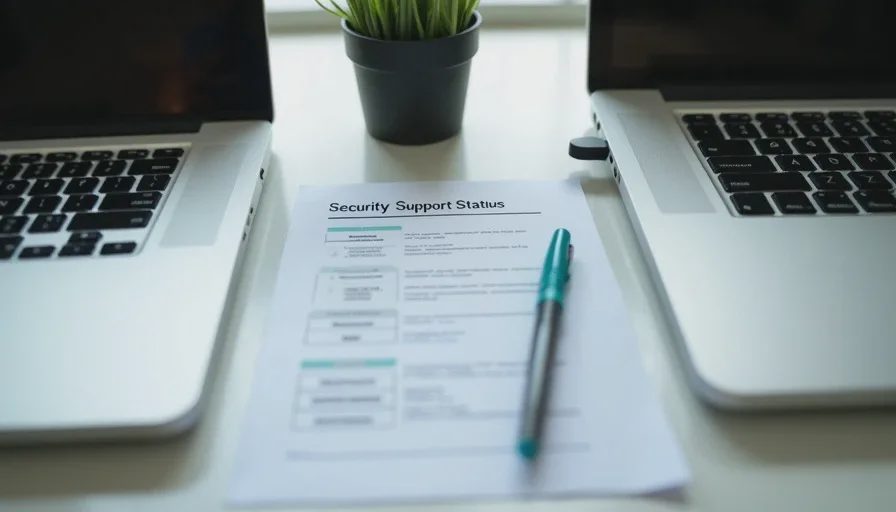
Phones and Tablets
Mobile devices follow manufacturer support timelines that vary widely by brand. The security question is the same: are system updates still being issued?
Flagship phones from major manufacturers typically receive several years of security updates. Budget and older mid-range models often stop much sooner. Once the updates end, new vulnerabilities discovered in the operating system or in core components remain unpatched.
Practical thresholds for replacement:
The device no longer receives security updates and is used for email, banking, two-factor authentication, or daily communications.
The phone cannot run the current version of critical apps that the household relies on (banking apps sometimes drop support for older operating systems).
The device is the primary multi-factor authentication method for important accounts and cannot be kept current.
Battery health and performance are secondary signals. A phone that is still updated can often be used safely even if the battery is mediocre. A phone that is no longer updated is a growing risk regardless of how well the battery holds a charge.
When a phone is retired, sign out of accounts, remove multi-factor authentication methods that rely on it, and erase the device before recycling or trading it in.
Routers and Modems
Routers and modems are the devices most often left in place long after security support ends. Because they sit at the boundary of the home network, an unpatched router can affect every connected device.
Replace a router or modem when:
The manufacturer no longer issues firmware updates for the model.
The device cannot support current encryption standards (WPA3 or at least WPA2-AES) or cannot disable known-weak features such as WPS.
The hardware is old enough that automatic updates were never an option and manual updates have stopped.
The router is an ISP-supplied unit that has been in place for many years and the provider offers a current replacement with better support.
A router that still receives firmware updates and can be configured with a strong admin password, current encryption, a guest network, and WPS disabled can remain in service even if it is several years old. A router that has not seen an update in years and cannot meet those baseline settings is a persistent weak point.
When replacing a router, transfer the hardened settings (new admin password, guest network, updated encryption, WPS off) to the new device rather than accepting all defaults.
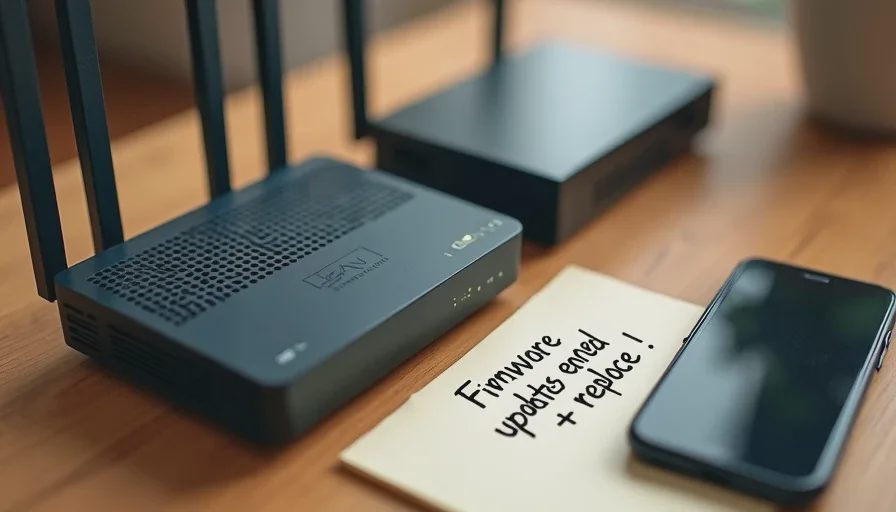
How to Decide Without Over-Spending
Not every aging device needs immediate replacement. A short decision sequence keeps spending proportional to risk:
Check the manufacturer’s security-support timeline for the exact model and operating-system version.
Determine whether the device is used for high-value tasks (email, banking, authentication, network gateway).
Test whether a supported operating system or current firmware can still be installed.
If support has ended and the device handles sensitive tasks or sits at the network edge, plan replacement.
If the device is low-value and isolated, reducing its privileges or removing it from the main network can be an interim step.
This sequence avoids both the trap of running unsupported devices in critical roles and the opposite trap of replacing hardware that is still receiving updates and functioning within the household baseline.
After the Replacement
A new device only improves security if the baseline settings are applied:
Automatic updates enabled.
Strong unique passwords and multi-factor authentication for the accounts signed into it.
For routers: admin password changed, current encryption, guest network for IoT devices, WPS and remote administration disabled.
Old device signed out, erased, and properly retired.
The replacement is the hardware step. The settings are what make the new device part of the safer baseline rather than simply a newer weak point.
The Practical Standard
Devices do not become insecure on a fixed birthday. They become insecure when the manufacturer stops issuing fixes for newly discovered problems and the device continues to handle valuable accounts or network traffic. Checking support status once a year, during the same household account audit that reviews passwords and recovery options, is enough to catch the transition.
When support has ended and the device still occupies a trusted role, replacement is the cleanest way to keep the household baseline intact. Holding on to unsupported hardware in those roles quietly undermines the other security habits the family has built.
Make the safer choice the easier choice by treating end-of-security-support as a hard threshold for any device that still handles email, money, authentication, or the home network. The cost of a timely replacement is almost always lower than the cost of cleaning up after an avoidable compromise on hardware that could no longer be patched.
Seven Small Security Mistakes I See in Otherwise Careful Households
This is the last
→

Comments
Leave a comment
No comments yet.