Seven Small Security Mistakes I See in Otherwise Careful Households
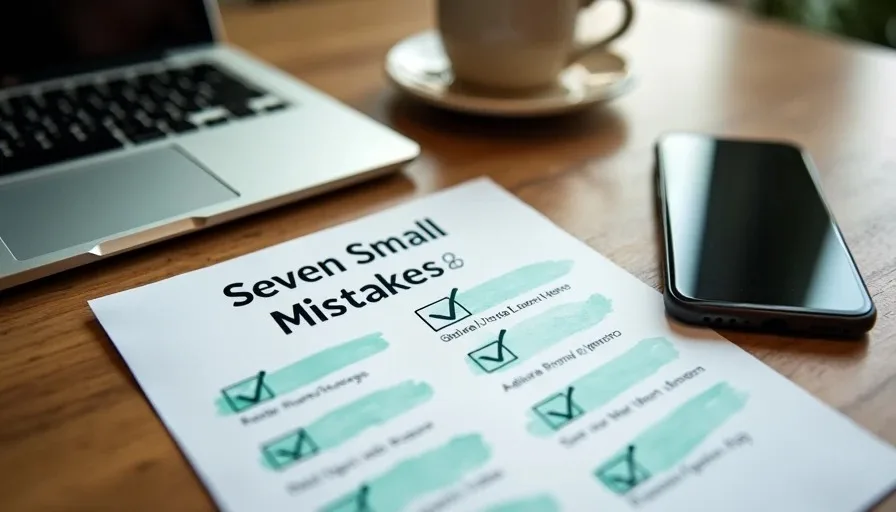
Most households that take digital safety seriously already do the big things. They use unique passwords for banking and email, they turn on multi-factor authentication for important accounts, they keep phones and computers reasonably updated, and they are cautious with unexpected links. Yet the same families often leave a short list of smaller openings that scammers and opportunistic attackers still exploit.
These are not dramatic failures. They are ordinary oversights that accumulate because they feel low-stakes in the moment. Each one is easy to close once it is noticed. The seven below are the patterns I see most often when otherwise careful people run into trouble.
1. Reusing Passwords on “Unimportant” Accounts
The banking and email passwords are unique. The old shopping sites, forum logins, recipe sites, and free tools still share a handful of familiar passwords. When one of those lower-value sites is breached, the stolen credentials are tested against email and banking logins automatically. The attack does not need to break the strong password; it only needs the family to have reused a weaker one somewhere else.
The fix is gradual but consistent. Every time a login fails or a site forces a reset, create a unique password and store it in the password manager. Over a few months the reused set shrinks. There is no need to change every password in one evening; there is a need to stop adding to the reused pool.
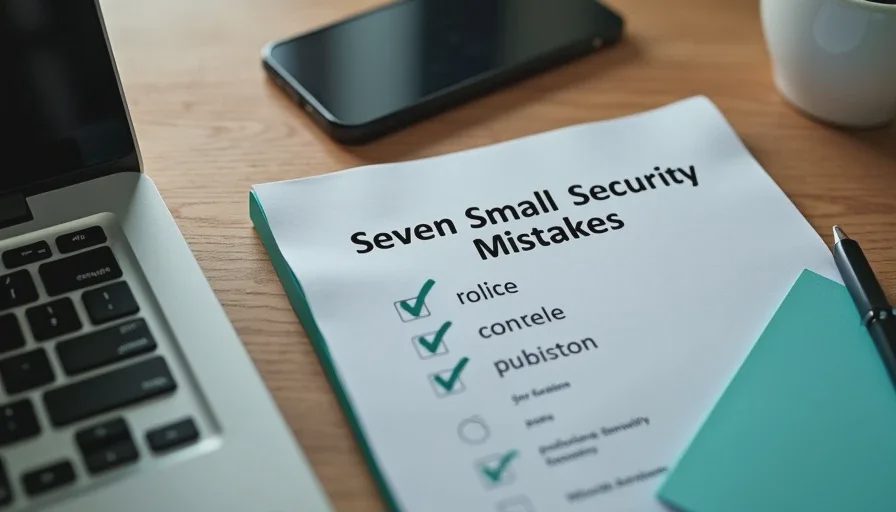
2. Outdated Recovery Email and Phone Numbers
Multi-factor authentication is on, yet the recovery email still points to an address no one has checked in years, or the recovery phone number belongs to a carrier account that was closed after a move. When the primary method fails, the backup method is useless. Account recovery then depends on slow, document-heavy processes with each individual service.
Once a year, during the household account audit, open the security settings on the primary email, Apple ID or Google account, and banking logins. Confirm that the recovery email and phone number are still controlled by the family. Update them before they are needed.
3. Shared Logins That Are Never Revoked
Streaming services, school portals, shared shopping accounts, and old roommate or family-member access linger long after the original reason has ended. A former partner, a grown child who has moved out, or a temporary helper still has credentials that can be used to reset passwords, view order history, or receive multi-factor codes.
When someone leaves the household or no longer needs access, remove them from shared accounts and shared password-manager folders the same week. The task is small; the residual access is not.
4. App Permissions Granted Once and Never Reviewed
A flashlight app, a shopping tool, or a game asked for contacts, location, or microphone access on the day it was installed. The permission was granted to make the prompt go away. Months later the app still has those rights even though the feature that needed them is never used.
On both iPhone and Android it takes only a few minutes to open the permission lists and set location, contacts, microphone, and camera to “While Using” or “Never” for apps that do not require continuous access. Doing this once or twice a year removes a large amount of quiet data exposure.
5. Delayed or Disabled Updates on Secondary Devices
The primary phones and the main laptop update automatically. The old shared tablet, the spare laptop in the guest room, and the child’s hand-me-down device sit on older software for months. These secondary devices still sign into email, cloud photo libraries, or family accounts. An unpatched vulnerability on a low-use device is still a usable entry point.
Make a short inventory of every device that can reach family accounts. Confirm that automatic updates are enabled on each one. If a device can no longer receive updates, retire it from any account that matters.
6. SMS as the Only Multi-Factor Method on High-Value Accounts
Text-message codes are better than no multi-factor authentication, yet they remain vulnerable to SIM-swap attacks and phone-number porting tricks. Careful households often enable SMS and then stop, never adding an authenticator app or passkey as a stronger second option.
For email, banking, and the primary Apple or Google account, add an authenticator app or passkey alongside or instead of SMS. Keep SMS as a backup if desired, but do not leave it as the sole method on the accounts that unlock everything else.
7. Ignoring the Router After the Initial Setup
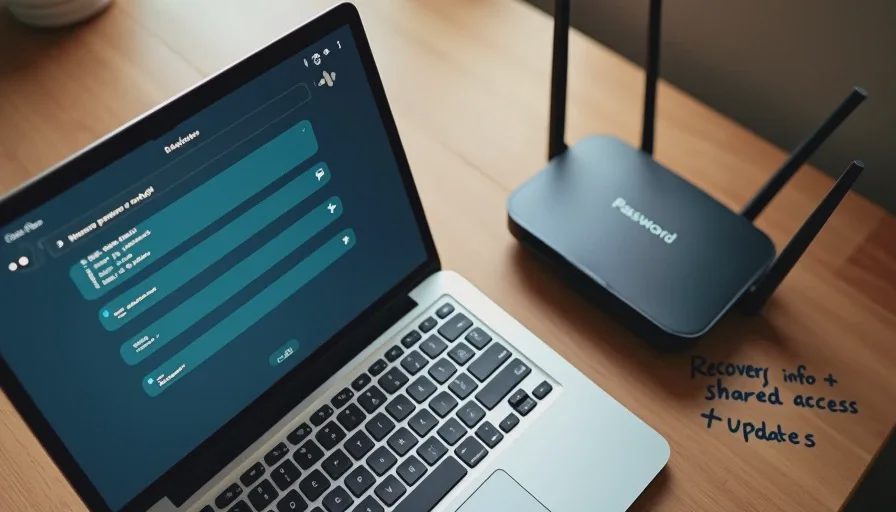
The Wi-Fi password was changed once. The admin password, firmware updates, guest network, and WPS setting were never revisited. Years later the router still runs outdated firmware or still has WPS enabled. Because the router sits in front of every device, its quiet weaknesses affect the entire household.
During the same yearly review that checks accounts, log into the router long enough to confirm that firmware is current, the admin password is still strong and unique, a guest network is in use for IoT devices and visitors, and WPS is off. The check takes little time once the login credentials are stored in the password manager.
Closing the Gaps Without Turning Safety into a Second Job
None of these seven items requires new software or a large budget. They require attention at natural moments: when a password is reset, when someone leaves the household, when the annual account audit occurs, or when a secondary device is already in hand. Spreading the work across the year keeps each individual task small.
The households that avoid most trouble are not the ones that never make mistakes. They are the ones that treat small openings as routine maintenance rather than as permanent exceptions. Reused passwords on minor sites, stale recovery information, forgotten shared access, excess app permissions, neglected secondary devices, SMS-only multi-factor authentication, and an unexamined router are all easy to rationalize in the moment. Collectively they create the paths that careful people still fall through.
A short yearly pass through the list, combined with the habit of fixing one item every time it becomes visible, closes the majority of these openings. The big protections already in place then have fewer small gaps left beneath them.
Make the safer choice the easier choice by treating these seven patterns as ordinary upkeep instead of as acceptable exceptions. The difference between a careful household and a still-vulnerable one is often nothing more than the willingness to close the small doors that feel unimportant until the day they are used.
Why Everyday Digital Exists: Safer Technology Without the Panic
This is the last
→
Comments
Leave a comment
No comments yet.