Password Managers, Passkeys, and the Problem of Family Account Recovery
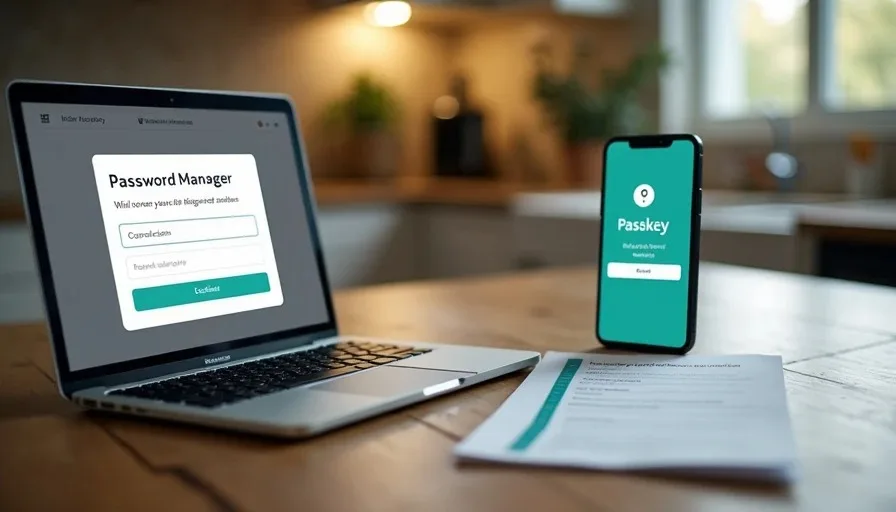
Unique passwords and multi-factor authentication close the most common account-takeover paths. Passkeys improve the experience further by replacing many passwords with device-based authentication that is resistant to phishing. Yet every family that adopts these tools eventually meets the same practical problem: what happens when the person who manages the vault is unavailable, the device that holds the only passkey is lost, or an older relative can no longer remember the master password?
Security that cannot be recovered when life happens is incomplete. The goal is not the strongest theoretical setup. The goal is a system strong enough to stop everyday attacks and still usable when a parent is in the hospital, a spouse is traveling, or an adult child needs to help an aging relative regain access. The approach below treats password managers and passkeys as household infrastructure rather than individual tools.
Why a Password Manager Comes First
Reusing passwords remains the single most common reason ordinary accounts get taken over. A breach at one site is tested against email, banking, and shopping logins within hours or days. A password manager removes that risk by generating and storing a unique password for every account. The user remembers one strong master password; everything else is filled automatically.
For families the manager also becomes the shared source of truth. Adult partners can use a shared vault or secure sharing features for joint accounts (utilities, streaming, school portals). Adult children helping older parents can be given controlled access to specific records instead of sticky notes or text messages containing passwords.
Choose a reputable manager that supports:
Strong encryption and a clear zero-knowledge design
Easy sharing of individual items or folders
Emergency or legacy access features
Passkey support (most major managers now do)
Availability on the phones and computers the family actually uses
The specific brand matters less than consistent use and a workable recovery plan.
Passkeys: Stronger and Often Simpler
Passkeys replace the password with a cryptographic key pair tied to the device or the password manager. When a site supports passkeys, signing in becomes a biometric or PIN confirmation instead of typing a password. Because there is no shared secret to phish or reuse, many common attacks simply fail.
Passkeys work best when they are stored in the password manager or in the platform’s own system (Apple, Google, or Microsoft) that already syncs across the user’s devices. Storing them only on a single phone creates a new single point of failure. Storing them in the manager keeps them available on every signed-in device and makes recovery more manageable.
Not every site offers passkeys yet. The practical approach is to use them where they exist, keep unique passwords everywhere else, and let the manager handle both.
The Family Recovery Problem
Three situations appear repeatedly:
The person who knows the master password is incapacitated or unreachable.
The only device that can approve a critical multi-factor prompt is lost, damaged, or wiped.
An older parent set up accounts years ago with an email and phone number that no longer work, and no one else has the recovery information.
In each case the strong security that protected the accounts now blocks legitimate family help. The solution is not to weaken the passwords or turn off multi-factor authentication. The solution is to plan recovery while everyone is healthy and available.
Building a Practical Household Recovery Plan
1. Document the critical accounts and where they live.
List the primary email addresses, banking institutions, Apple ID / Google accounts, and any shared household services. Note which password manager vault or platform account holds the credentials. Keep this list short and focused on accounts that would cause real harm if locked.
2. Enable the manager’s emergency or legacy access feature.
Most reputable password managers allow a trusted person to request access that becomes available after a waiting period or upon verification of an emergency. Set this up for at least one other adult in the family. Test the process once so everyone knows what to expect.
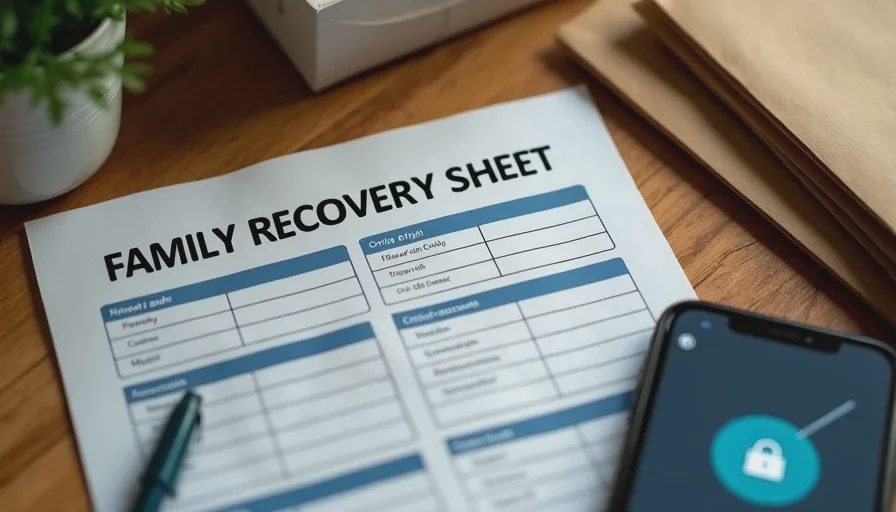
3. Create a secure offline recovery packet.
Print or write the following and store it in a safe place both adults can reach:
The password manager’s account email and the location of the emergency access instructions
Current recovery codes for the most important multi-factor accounts (email, banking, Apple/Google)
A brief note on which phone numbers and backup emails are used for account recovery
Do not store the master password itself in this packet if it can be avoided. Emergency access features and recovery codes are safer. If a master password must be written down, use a sealed envelope and a clear rule about when it may be opened.
4. Give older parents a simpler, supported setup.
For an older parent, consider a password manager account that an adult child can help administer, or use the platform’s own built-in password features (Apple Keychain, Google Password Manager) with a clear recovery path through the adult child’s contact information. The priority is that someone the parent trusts can regain access without social-engineering the support lines of every bank and email provider.
5. Practice one recovery path.
Once a year, walk through the steps required to get into the primary email account using only the recovery information in the packet. A short test reveals missing codes or outdated phone numbers while there is still time to fix them.
What This Plan Does Not Require
It does not require every family member to become a security expert. It does not require sharing every personal login with every relative. It does not require abandoning strong unique passwords or multi-factor authentication. It simply adds a deliberate recovery layer so that the same tools that protect the family in normal times do not become an obstacle in a crisis.
Password managers and passkeys are among the highest-value changes a household can make. They close the password-reuse and phishing paths that still cause the majority of account takeovers. Pairing them with a short, tested recovery plan ensures the protection remains usable when the unexpected happens.
Make the safer choice the easier choice both for daily logins and for the day when someone else needs to help. That balance—strong credentials plus planned recovery—is what turns individual security tools into reliable family infrastructure.
The Annual Household Account Audit: A Printable Checklist
This is the last
→

Comments
Leave a comment
No comments yet.