How to Secure a Teenager’s First Smartphone Without Overreaching

A teenager’s first smartphone is a milestone. It also opens every major risk that adult phones carry—scams, oversharing, unwanted contacts, location tracking, and impulsive downloads—while the owner is still learning judgment. The goal is not to build a digital cage. The goal is to put durable guardrails in place so the safer choice stays the easier choice as independence grows.
The approach below balances real protection with respect. It uses the built-in tools already on the phone, keeps the technical work short, and puts the lasting weight on clear family agreements rather than secret monitoring.
Start with the Right Account and Controls
Create the account as a proper child or supervised account with the teenager’s real birth date. Age-based protections on Apple and Google only apply when the birth date is accurate.
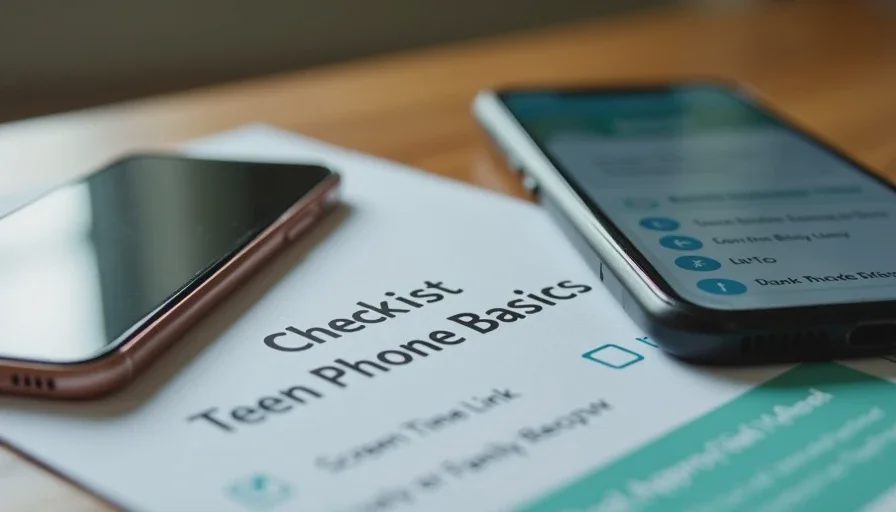
iPhone: Use Family Sharing to create or convert a child/teen Apple Account. Turn on Screen Time and set a parent passcode the teen does not know. Enable Content & Privacy Restrictions.
Android: Use Google Family Link to set up a supervised account. Confirm supervision is active from the parent phone.
Require approval for every new app and purchase. This single setting prevents most impulse downloads and in-app spending surprises. Review the age rating and whether the app allows open chat with strangers before approving.
Set communication limits that match the teen’s maturity. Many families start by restricting new contacts or enabling features that blur explicit images in messages. Expand access gradually as trust and demonstrated judgment grow.
Location, Privacy, and Daily-Use Settings
Decide the family location-sharing rule together and write it down. Location sharing with parents through Find My or Family Link can be useful for safety. Location sharing with apps or public profiles is not. Turn off location access for every third-party app that does not need it for core function, and turn Precise Location off where approximate location is enough.
Review the same privacy settings you would on any new family phone:
Location services set to “While Using” or “Never” for most apps
Tracking / ad personalization turned off or limited
Camera, microphone, contacts, and photos permissions granted only where necessary
Keep the phone’s operating system and apps set to update automatically. An outdated phone is a security problem, not a bargain.
Household Rules That Actually Stick
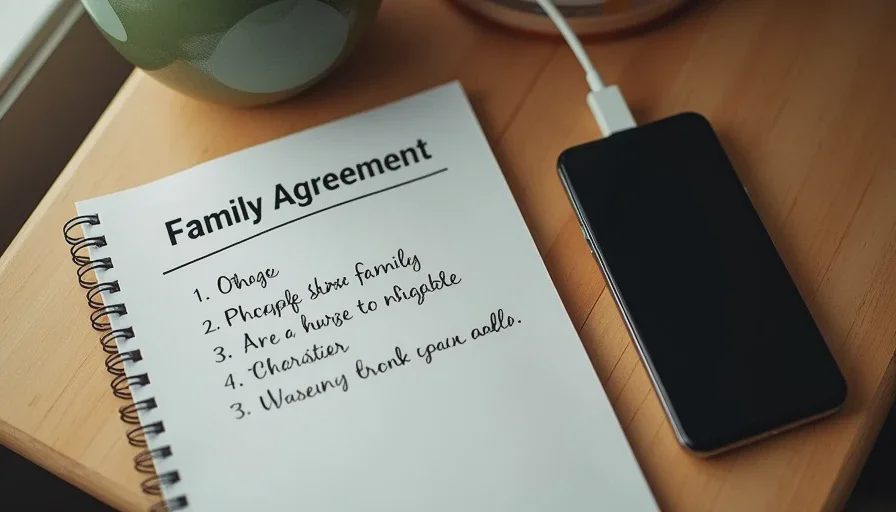
Technical controls fail when the social rules are unclear or feel unfair. Sit down and agree on a short list together. Three to five rules work better than a long contract. Examples that hold up in real households:
No downloads without asking first.
Devices charge overnight in a common area, not in bedrooms.
Any message that asks for money, passwords, photos, or personal information gets checked with a parent before responding.
You will not be punished for telling us about something uncomfortable that happened online.
Rules the teenager helped write are far more likely to be followed. Revisit them every few months or when circumstances change (new school, new friend group, first job).
Avoid the temptation to install heavy monitoring software that records every keystroke or social message unless there is a specific, serious reason. Constant surveillance erodes trust and teaches the teen to focus on not getting caught rather than making good decisions. Built-in Screen Time or Family Link reports that show overall app use and screen time are usually enough for ongoing awareness.
What Success Looks Like
A well-set-up first smartphone has:
A supervised account with real birth date
App and purchase approval turned on
Clear location and privacy defaults
A short, jointly written set of household rules
An open channel to talk about problems without automatic blame
The parent still holds the Screen Time or Family Link passcode and can tighten or loosen settings as the teenager demonstrates responsibility. The teenager understands the boundaries and knows the purpose is safety, not control.
This setup does not eliminate every risk. No technical configuration can. It does remove the most common open doors and creates a foundation where conversation and judgment can develop. That combination—practical settings plus respectful rules—is the most reliable way to secure a teenager’s first smartphone without overreaching.
Make the safer choice the easier choice while still leaving room for the teenager to grow into it. That is the balance worth aiming for.
A Backup Plan for Families Who Keep Losing Photos
This is the last
→Comments
Leave a comment
No comments yet.